Instagram’s Edits AI assistant is a tool for interpreting account performance and developing video ideas. It can help creators decide what to investigate next, but its explanations should be treated as suggestions to test, rather than proof that a particular hook, edit or topic caused a Reel’s result.
What does the Instagram Edits AI assistant do?
The Verge reported the assistant’s announcement on September 30, 2026. Its report describes an assistant inside Edits that draws on Instagram performance data, including views, likes, shares and video retention, and offers creative suggestions.
Meta had already outlined the feature in its September 15 announcement about Meta One: an upcoming Edits assistant would help analyze Instagram insights and brainstorm ideas. That earlier announcement also described planned Edits Plus features, including cloud storage, project syncing and additional assistant usage.
The useful distinction is between observation and recommendation. A performance pattern can give you a question worth asking. Deciding how to change the next video still requires editorial judgment.
Why an explanation is not a diagnosis
Imagine two Reels: one opens with a question, while another starts with a demonstration. The demonstration receives more views. It is tempting to conclude that demonstrations always make better openings.
That comparison leaves several possibilities unresolved. The videos may concern different subjects, appeal to different audiences or deliver their promises at different speeds. The result alone cannot isolate the opening as the cause.
Use that distinction when reading an assistant’s answer. Ask which observable pattern supports its recommendation and what alternative explanation could fit the same pattern. If the answer is vague, turn it into a narrower question before changing your content.
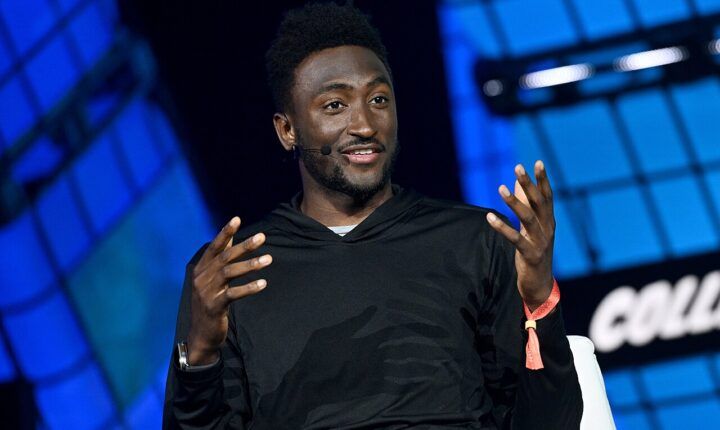
The same measurement problem appears in the debate over YouTube video A/B testing and MKBHD’s concerns: creators need to understand what a comparison actually measures before treating the result as creative direction.
How to test its advice on your next Reel
Start with the purpose of the video. A tutorial needs to help someone complete a task. A community update needs to communicate clearly to existing followers. A product demonstration needs to show the product accurately. More views can be welcome, but they are not the whole definition of success.
Next, choose one specific suggestion. If the advice concerns the opening, plan a comparable video with a clearer opening while keeping the subject and format reasonably similar. Write down the change before publishing, so you do not invent an explanation after seeing the result.
Compare the outcome with your goal and read audience responses alongside the numbers. A larger audience with confused comments may point to a misleading promise. A smaller audience asking detailed follow-up questions may indicate that the video reached people who needed it.
This is a practical editorial check, not a controlled experiment. Repeating the comparison across several comparable videos can strengthen your confidence; one successful post should not become a permanent rule.
Check availability before planning around it
Do not assume that an announcement means every account has identical access. Meta’s September announcement described a gradual subscription rollout and planned Edits features. It does not establish a universal allowance or account-by-account availability for this assistant.
Check the current options and any usage limits shown in your own app before paying for additional access or building a workflow around them. The sources linked here do not establish how much extra reach the assistant delivers.
The best starting point is modest: use the Instagram Edits AI assistant to identify a useful question, verify the underlying observation and test one readable, honest change. Keep your own voice and your audience’s needs in charge.
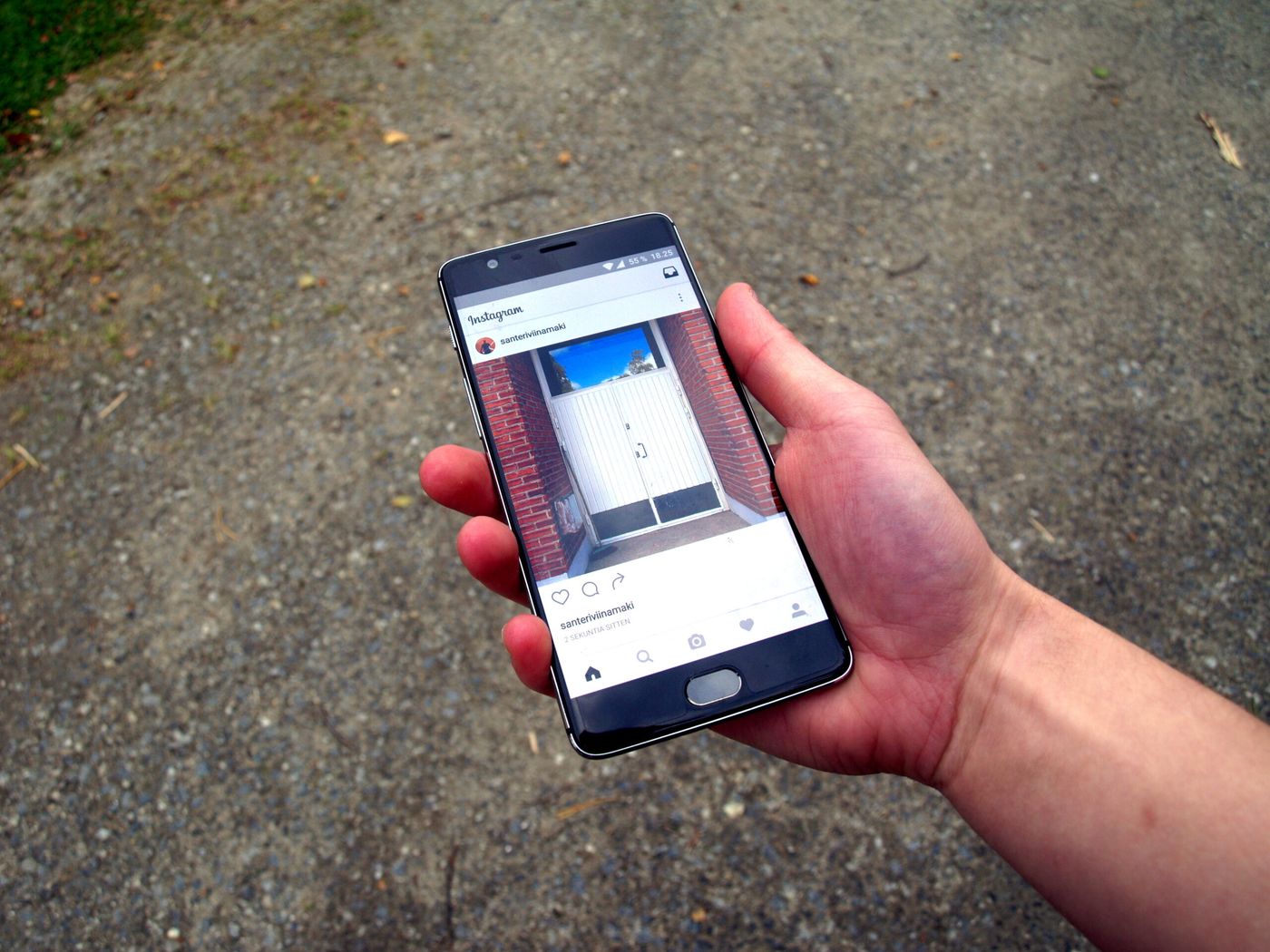
Featured image: archival photograph of Instagram on a smartphone, September 6, 2016; it does not show the Edits assistant. Photo and screen capture by Santeri Viinamäki / Wikimedia Commons, licensed CC BY-SA 4.0. Resized.