Claude Docs and Slides are new beta tools that let paid Claude users create, edit and export documents and presentations inside the same conversation. Anthropic is also bringing chat, Cowork and its visual-design tool into one interface, allowing Claude to select the appropriate capability automatically. The change matters because leading AI companies are increasingly competing to become complete work platforms rather than standalone chatbots.
At a glance
- Claude Docs creates collaborative documents that can be exported to Google Docs or Microsoft Word.
- Claude Slides produces presentations that users can edit, present and export to PowerPoint or PDF.
- The beta is available first on paid plans, while the broader unified interface is rolling out in stages.
What are Claude Docs and Slides?
Anthropic’s product documentation describes Claude Docs as living documents that users can write with Claude and their teams in real time. Claude Slides turns notes, reports or existing conversation material into editable presentations. Users can change individual slides, present without leaving Claude and export the result to PowerPoint or PDF.
The tools sit alongside Claude Design, which is intended for visuals, mock-ups, prototypes, one-page materials and landing pages. Anthropic says Docs, Slides and Design are in beta on paid plans. They are enabled by default for Pro, Max and Team users, while Enterprise administrators must enable them for their organisations.
The distinction matters because these are not merely files attached to a chatbot response. Anthropic is treating them as editable work products that remain connected to the conversation and, depending on the account, can be shared with collaborators.
How does Anthropic’s unified Claude workspace work?
Reuters reported on September 16 that Anthropic is combining Claude’s chat and Cowork features into one interface and integrating Claude Design. Instead of asking users to decide which tool to open, Claude is expected to determine which capability a task requires.
That design reduces a common source of friction in AI software: users often need to understand a product’s internal structure before completing a task. A unified workspace shifts more of that routing work to the system. Someone could begin with research notes, ask for a written brief and then request a presentation without manually moving between separate products.
The approach extends the competition already visible in workplace AI. Our coverage of Google’s AI product changes showed how major platforms are connecting assistants with email, productivity software and subscription plans. Anthropic is now pushing Claude further into document and presentation workflows.
Who can use Claude Docs and Slides?
Anthropic’s help centre says the three specialised tools are currently available on paid plans. Pro, Max and Team accounts have them enabled by default. On Enterprise accounts they are disabled until an owner switches them on. Free users can still create standard artifacts, but the new Docs, Slides and Design experiences are paid-plan betas.
Mobile users can request a document, design or deck and view it in the Artifacts tab. Anthropic says starting from a template, editing and changing sharing controls requires the web or desktop version. Reuters reported that the broader interface changes will reach Pro and Max users first across web, desktop and mobile, with Team and Free availability following later.
What can users export?
Claude Docs can export to Google Docs or Microsoft Word, while Claude Slides can export to PowerPoint or PDF. Export support is important because organisations already have established file formats, approval processes and storage systems. An AI tool is more useful when its output can move into those workflows without extensive copying and reformatting.
Export does not remove the need for review. Users should still check facts, calculations, citations, permissions and confidential information before distributing an AI-generated file. A polished presentation can look authoritative even when its underlying claims require verification.
Why it matters
Claude Docs and Slides move Anthropic into direct competition with office-software providers and other general-purpose AI assistants. The commercial prize is not simply more chatbot use; it is becoming the place where research, writing, analysis, design and collaboration happen together.
For businesses, the important questions will be quality, security, administrative control and compatibility with existing systems. For individual users, the test is more practical: whether the tools reduce the time required to turn raw information into a usable document or deck without creating extra correction work.
What happens next?
The rollout will show whether Claude can reliably choose the right capability and preserve context as work moves between formats. Anthropic will also need to demonstrate that sharing and enterprise controls are clear enough for sensitive workplace use. Availability on the Free plan will broaden the audience, but the company has not given one universal date for every account.
Sources
- Anthropic Help Center: Claude Docs, Slides and Design
- Anthropic: Claude release notes
- Reuters: Anthropic unifies Claude tools
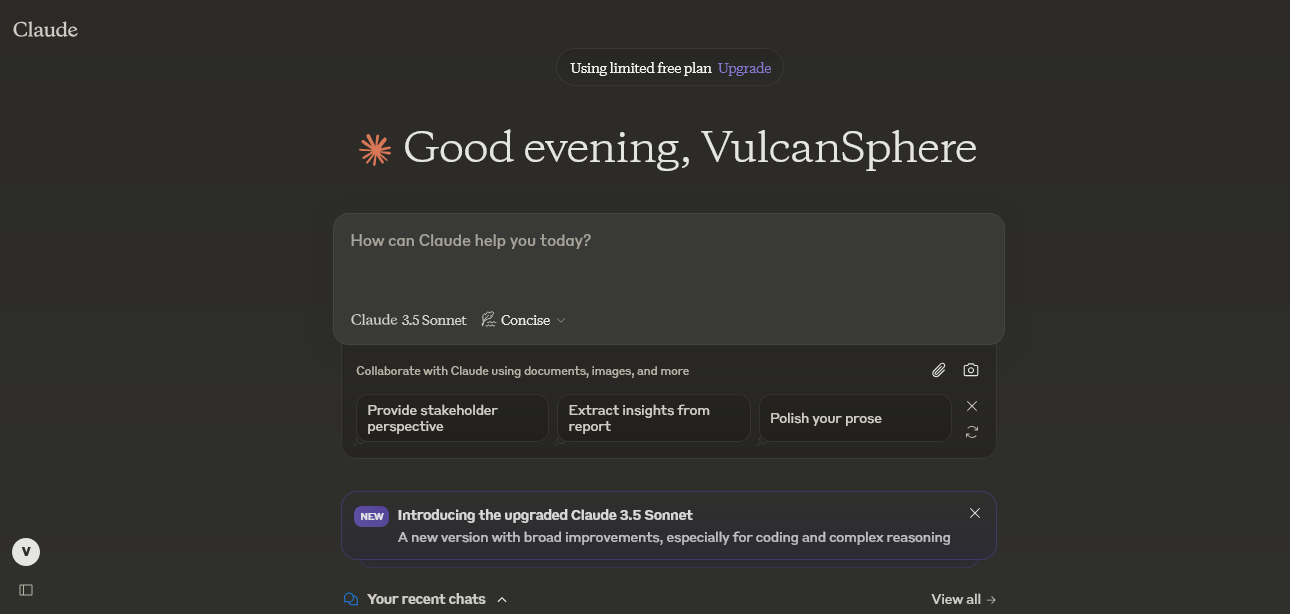
Featured image: Claude AI website screenshot by VulcanSphere via Wikimedia Commons; public-domain software screenshot.